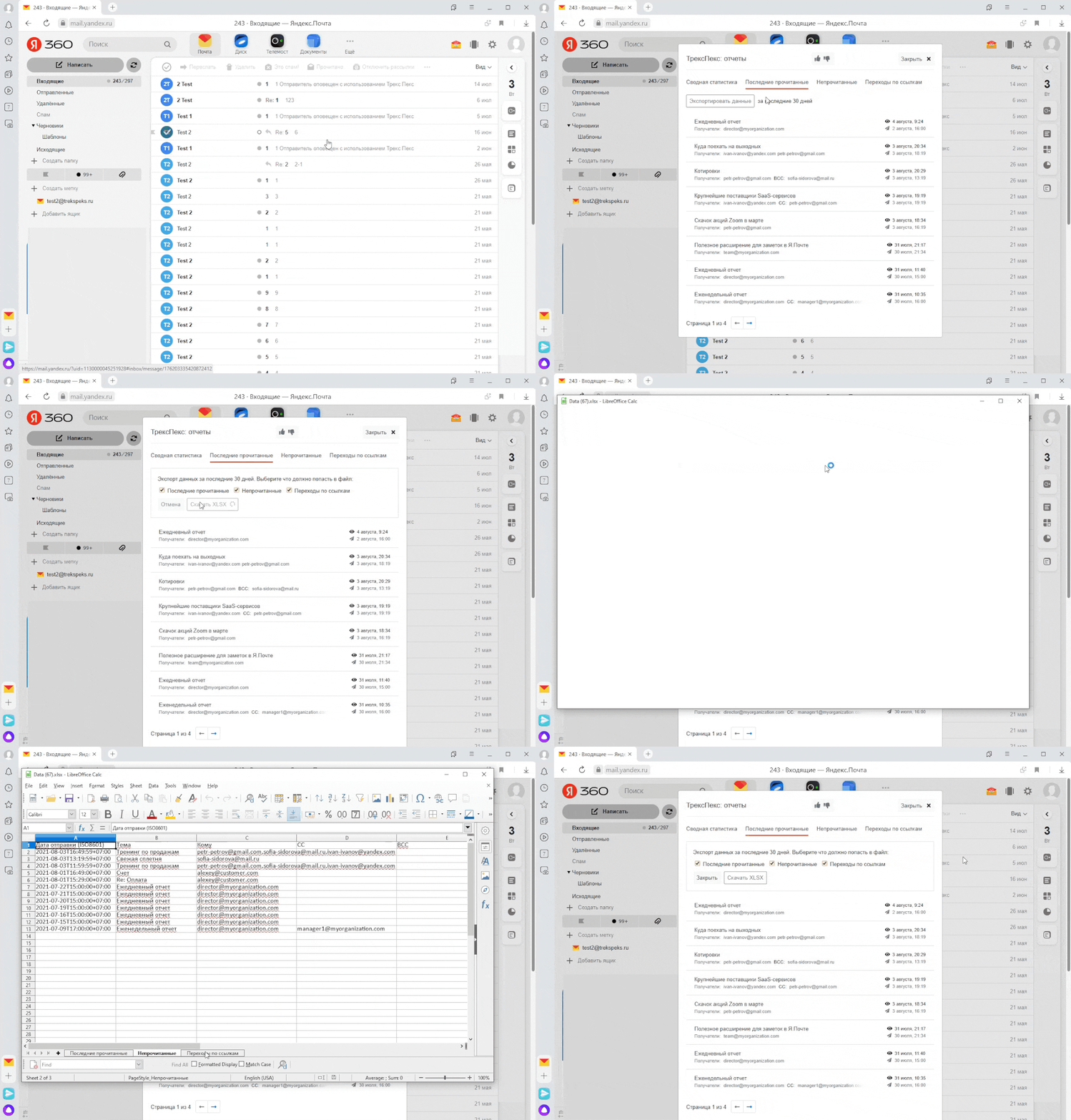
Viewing Reports
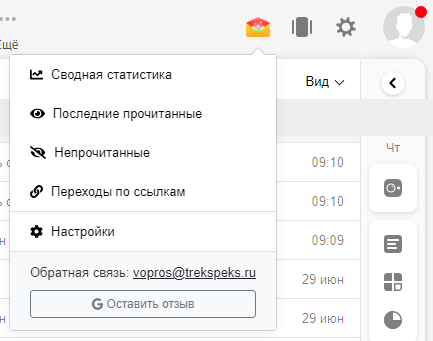
The following reports are available:
You can also download report data. download.
Access reports through the TraksPaks menu
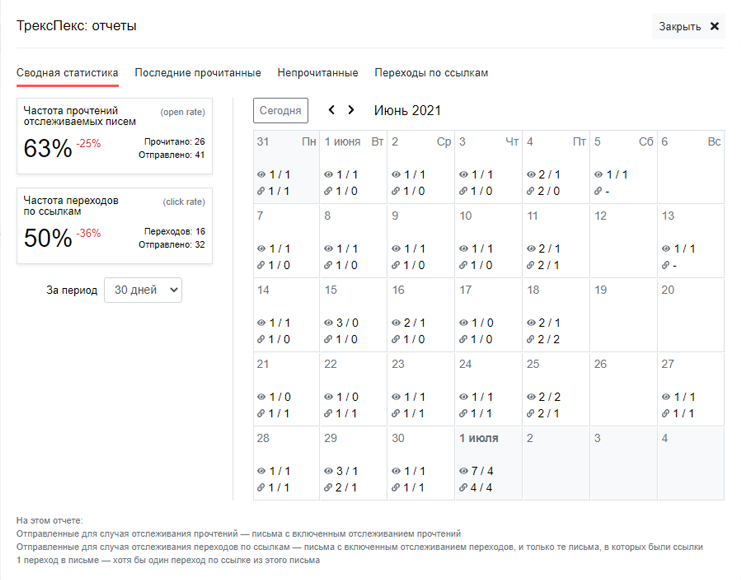
"Summary Statistics" Report
The calendar shows data on reads and link clicks for the selected month. It also shows the Open Rate and Click Rate for the selected period and their comparison with the previous period.
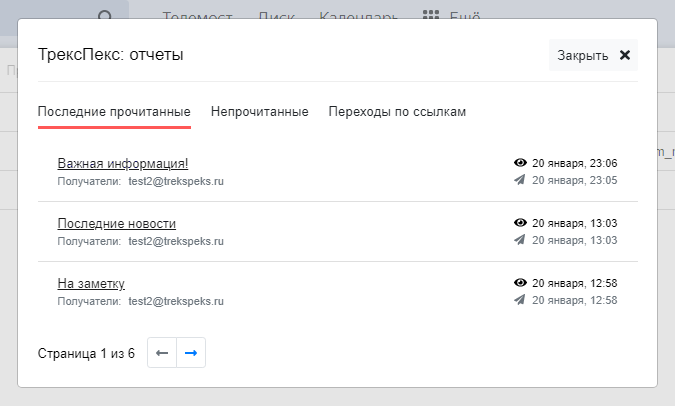
"Latest Read Emails" Report
The list shows read emails that were sent with read tracking enabled.
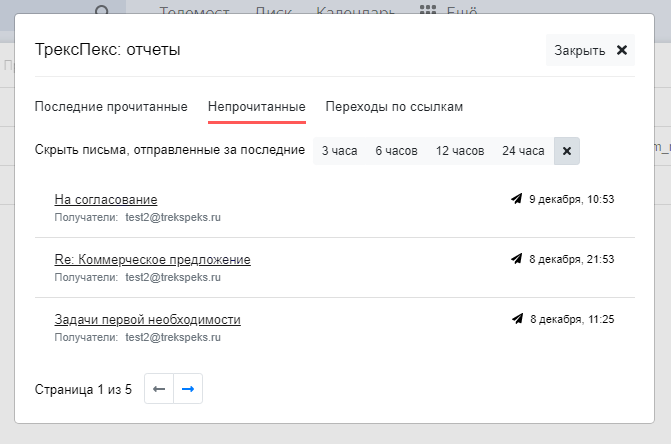
"Unread Emails" Report
The list shows unread emails that were sent with read tracking enabled. You can hide emails sent in the last 3-24 hours.
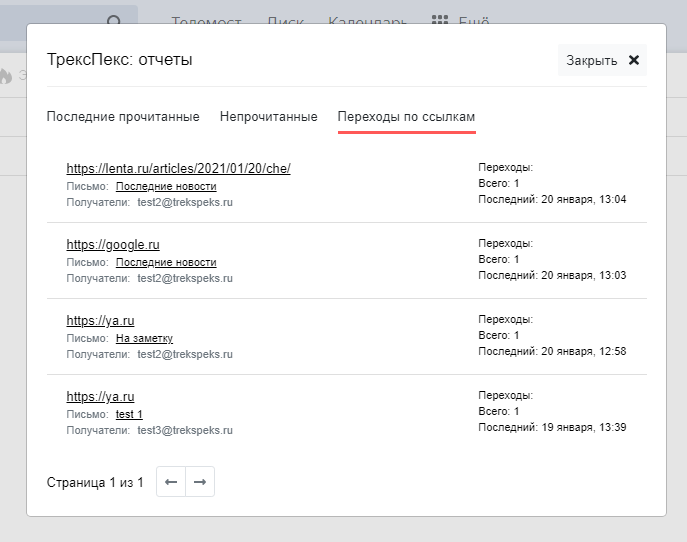
"Link Clicks" Report
All displayed clicks are sorted by the date of the last click.
Downloading Report Data
You can download data on latest reads, unreads, and link clicks. Below is how to do it.